
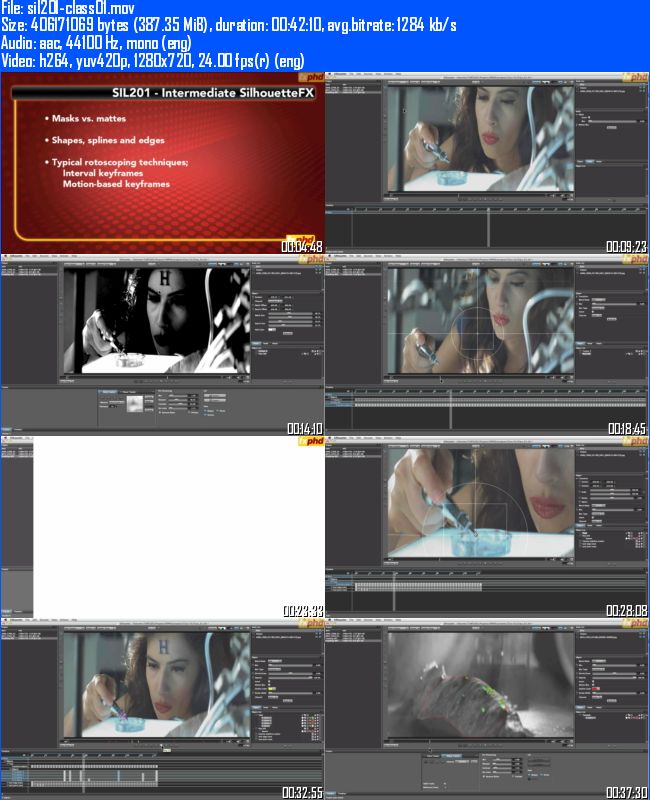
FXPHD SIL201 ? Intermediate SilhouetteFX
English | h264, yuv420p, 1280x720, 24fps | aac, 44100 Hz, mono (eng) | 2.30 GB
Genre: Video Training
1- Motion tracking. Tracking is key to fast and accurate rotoscoping work. In this first project we explore different techniques to get the most useful track we can. This is not necessarily as straightforward as object tracking.
2- Approaching a shot. In this project we analyze a shot to see how we can
tackle it in the shortest time possible without compromising the
result. We focus on the main roto toolset, tackling camera motion and
motion blur.
3- Wire Removal - This week we look at wire removal and the Paint node.
When prepping this shot for fast and consistent results, we will build
on our motion tracking skills.
4- Anamorphic and cropped footage. Tweaking SilhouetteFX's inner
preferences make working with anamorphic and scanned footage a whole lot
easier. Hair is the focus of this class, how do we blend mattes and
masks to create the best result.
5- Hands. Breaking down extremities is never easy. We will build up a
hierarchy to keep this complex shot manageable and understandable for
another artist to complete.
6- Power matte. This week we look at how to create a detailed matte using
the Power Matte node. We look at maintaining motion blur and fine edge
detail. Use quick shapes rather than keyers or accurate rotosplines to
speed through the shot. Finally, what to do when we need to clean up
the results manually.
7- Human roto part 1. Predictably irrational movement is the focus this
week. How do we start to tackle large movements, rotation, spinning and
obscuration.
8- Human roto part 2. Carrying on the project from last week. More focus placed on limbs and joints.
9- Stereoscopic workflow. As stereoscopic 3D becomes increasingly part of
the everyday workflow, how do our techniques have to change? We explore
a typical SilhouetteFX workflow to get the pixel accurate results we
need.
10 - Interoperability. The data we have been creating in SilhouetteFX cannot
exist in a vacuum. We can export to a number of different formats,
with their own advantages and disadvantages. As importantly, we will
also import tracking and shape data from other applications to
SilhouetteFX to speed our work up.
[code]
http://www.filesonic.com/file/jCNXZcC/fxphd.sil201.part1.rar
http://www.filesonic.com/file/GjehGu6/fxphd.sil201.part2.rar
http://www.filesonic.com/file/IDO6cFT/fxphd.sil201.part3.rar
http://www.filesonic.com/file/qy2absF/fxphd.sil201.part4.rar
http://www.filesonic.com/file/pZuFEzS/fxphd.sil201.part5.rar
http://www.filesonic.com/file/VqlhjMQ/fxphd.sil201.part6.rar
http://www.filesonic.com/file/AQHYBEw/fxphd.sil201.part7.rar
Password default: downeb.com[/code]